The short answer
Give each language its own URL, link the versions with reciprocal hreflang tags, research Arabic keywords natively instead of translating, write each version for its own reader, and keep local business details consistent in both languages.
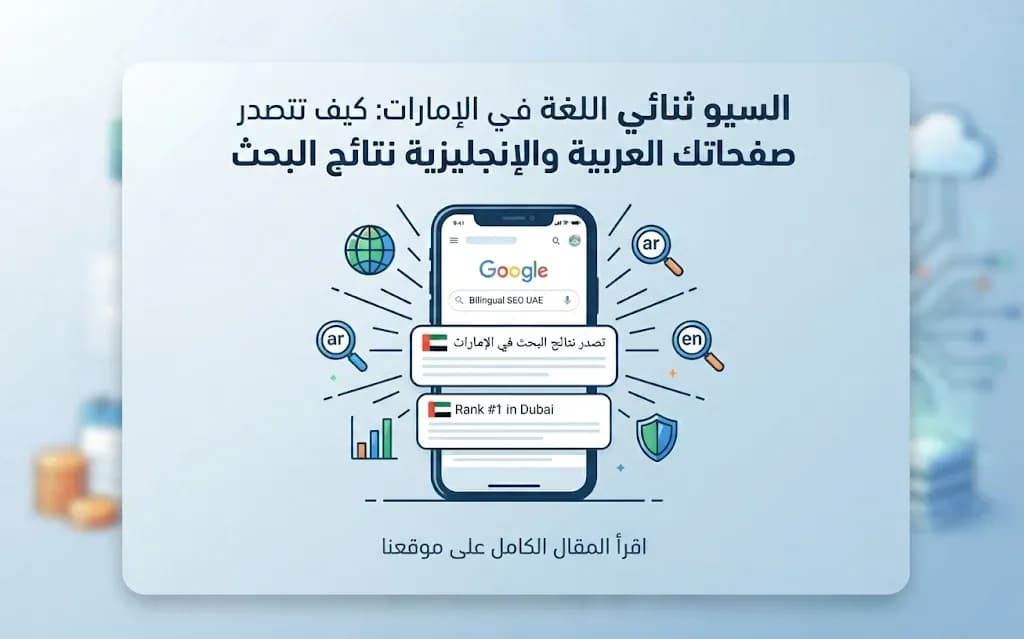
Why one website has to win two different searches
A customer in Dubai looking for your service might type the query in English on a work laptop in the morning and in Arabic on their phone in the evening. Google treats those as two separate searches with two separate results pages. If your website only does well in one language, you are invisible to roughly half the people who could buy from you.
Bilingual SEO is not about running your English page through a translator and hoping it ranks. Google needs a clear technical signal of which page serves which language, and each page needs to match the words that speakers of that language actually use. The sections below walk through the setup we recommend for UAE businesses, from the URL structure to local signals.
Give every language its own address
The foundation is simple: each language version of a page must live at its own URL. A common and clean pattern is a language folder, for example /ar/services and /en/services, or Arabic at the root with English in a folder. What matters is that the structure is consistent across the whole site.
Avoid these setups, because they confuse search engines:
Switching the language with a cookie or script while the URL stays the same, so Google only ever sees one version.
Showing Arabic and English side by side on one page, which dilutes the relevance of both.
Redirecting visitors automatically based on their browser language or location. Crawlers usually come from outside the UAE and may never reach the Arabic pages. A visible language switcher is the better choice.
Hreflang: telling Google the pages are twins
Once each version has its own URL, hreflang annotations link them together. Each page lists itself and its counterpart, for example ar for the Arabic page and en for the English one, plus an x-default for visitors whose language does not match either. The links must be reciprocal: if the English page points to the Arabic page, the Arabic page must point back. One-way annotations are ignored.
Pair hreflang with a self-referencing canonical tag on each version. A frequent mistake is pointing the Arabic page's canonical at the English page, which tells Google to drop the Arabic version from the index.
Research Arabic keywords from scratch
This is where most bilingual sites lose rankings. Translating an English keyword list gives you phrases that are grammatically correct but that few people search for. Arabic speakers in the Gulf search in a mix of Modern Standard Arabic, dialect, and sometimes English words written in Arabic letters, and the same idea can be spelled several ways.
When we build an Arabic keyword list, we look at:
Spelling variants: forms with and without hamza, taa marbuta written as haa, and different spellings of borrowed terms.
Dialect against formal wording: the term a customer says out loud is often not the one in a dictionary.
Mixed queries: Arabic sentences that include an English brand or technical word.
Intent: whether the searcher wants information, a price, or a provider nearby. A smaller keyword with clear buying intent is often worth more than a large vague one.
Do the same for English. Expatriates in the UAE often search with local place names and UAE-specific terms, so a generic global keyword list will not fit either.
Write each version for its own reader
The two versions of a page should share the same structure and the same facts: services, prices if you publish them, contact details. Beyond that, write each one natively. Arabic copy that reads like a translation feels foreign to readers, and they leave quickly. Examples, phrasing and even the order of arguments can change between languages.
Give each version its own title tag and meta description built around its own keywords, not a literal translation of the other. The same goes for image alt text, headings and FAQ questions.
Get the Arabic technical details right
Right-to-left layout affects both users and search engines. Use this checklist on your Arabic pages:
Item | What to check |
|---|---|
Language attribute | The page declares Arabic as its language and right-to-left as its direction. |
Mirrored layout | Navigation, icons and arrows flip correctly instead of only aligning text to the right. |
Real text | Headings and offers are text, not images, so search engines can read them. |
Arabic fonts | Web fonts are compressed, limited to the weights you use, and do not block the page from showing. |
Speed on mobile | Images are compressed and sized, and the Arabic version loads as fast as the English one. |
Separate sitemaps or entries | Both language versions appear in the XML sitemap. |
For more on the design side of right-to-left interfaces, see our article on common Arabic RTL mistakes.
Local signals in both languages
For businesses serving customers in a specific emirate, local signals carry a lot of weight. Complete your Google Business Profile, choose accurate categories, and keep your business name, address and phone number identical on your website, profile and directories, in both Arabic and English. Encourage real customer reviews and reply to them in the language the customer used.
Create location pages only where you genuinely serve customers and have something specific to say. Thin pages that swap one emirate name for another rarely help. Our guide to local SEO and Google Business Profile in Dubai covers this in detail.
Redesigning or moving the site without losing rankings
If you are rebuilding an existing website, export the full list of current URLs first. Keep URLs that already rank where you can, and send each old address that changes to its closest new equivalent with a permanent 301 redirect, not to the homepage. Before launch, check hreflang, canonicals and the sitemap. After launch, watch Google Search Console for crawl errors and drops in either language.
Next step
MetaGate has launched more than 250 websites, built bilingual in Arabic and English, mobile-friendly and ready for SEO and ads from day one. Our marketing team also offers SEO, including local SEO, and GEO for visibility in AI assistants. You can explore our web design service or the full list of services, then book a free consultation with a business development expert to review how your current site performs in both languages.